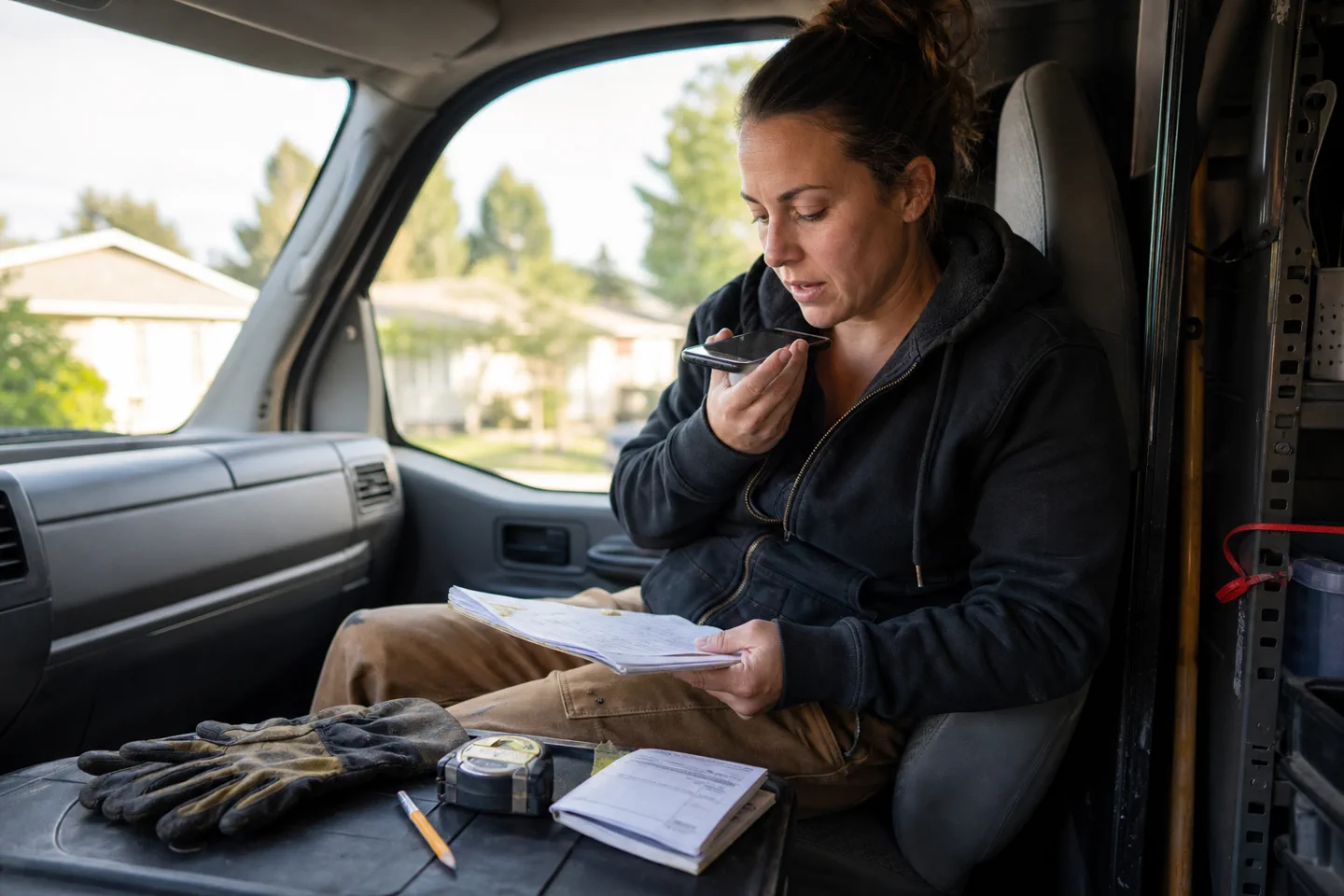
Built for: Solo contractors, owner-operators, and small field crews moving between calls, jobs, and customers.
Talk through a job, add photos or a manual, and get the update, quote outline, checklist, or answer you need next. One Project keeps the work together from first call to closeout.
Free account first. No card needed. Add private material only after you sign in.
Job note to customer update
You bring
Water is coming from the valve, not the pipe. Part is ordered for Thursday. Sink can still be used, but shut it off if the drip gets worse.
Ready to reviewCustomer update
We found the leak at the valve, not the pipe. The replacement part is due Thursday. You can use the sink for now, but please shut off the valve if the drip gets worse. I’ll confirm the return time when the part arrives.
Capture the details while they are still fresh. Example only.
These examples show the facts kept, the unknowns marked, and the next step made clear.
A change that needs approval
Rough field note
Opened the wall. Damage goes past the area in the first photos. Need another sheet of drywall and more drying time. Do not want the customer to think we are just raising the price.
Clear customer message
Hi Marta,
After opening the wall, we found that the water damage reaches farther than the first photos showed. The repair now needs one more sheet of drywall and extra drying time.
Before we do any added work, I’ll send a revised scope and price for you to review. We will not move ahead with the change until you approve it.
The message states what changed, why it matters, and what happens before more work begins.
A label and a symptom
Photo and question
Photo of an equipment label and control panel. Unit starts, makes a clicking sound, then stops. What can I check safely before calling the maker?
Safe first-check list
What the photo shows
• Model and power details are readable.
• No clear burn mark or loose outer wire is visible.
Before you open anything
• Turn power off at the disconnect.
• Check the manual for the clicking fault code.
• Note when the click happens and whether the display changes.
Stop and call the maker or a licensed person if you smell burning, see damaged wiring, or would need to remove a guarded panel.
The checklist separates what can be seen from what still needs an in-person check.
Simple from the first try
Bring it in. Review it. Use it.
Create an account and open one Project for the job, then type, talk, add a photo, or attach a file.
Say what you need next: a reply, quote outline, checklist, or plain answer.
Review the facts, save the result, and return later to see the last decision and next step.
Know the limits
Know what still needs an on-site check.
It cannot inspect a site, confirm hidden damage, or replace a licensed judgment.
A quote outline is not a signed contract or a promise that every cost is known.
Prices, terms, and customer details still need your final review.
Try it, then choose
One product from $15 a month.
Create a free account first. Essential fits regular personal use for up to two people. Plus and Max add more monthly room and more trusted sign-ins.